
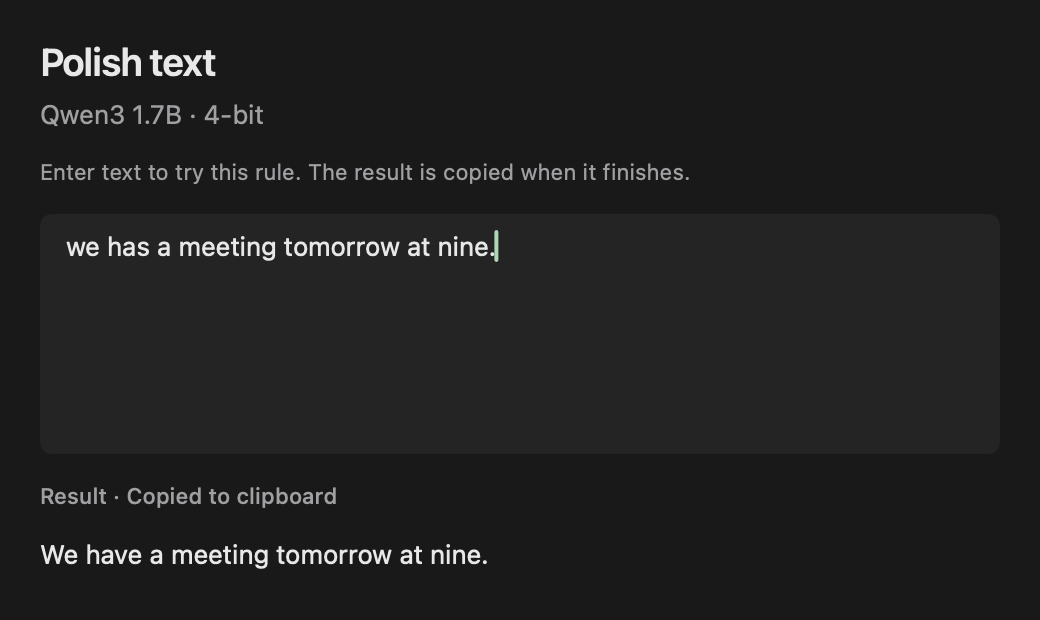
Create a rule for a recurring task
Models are selected per rule. You can use a small local model for spelling corrections and a different model for another task. Adding a model does not silently change configured rules. Enabled writing rules also appear in the optional command bar.
Disabling Writing in Features removes its commands and shortcuts and cancels its active processing. Rule definitions and model choices remain for when you enable it again.
- Enable Writing in Features if needed, then open Writing and choose New rule or edit an existing rule.
- Give it a useful name and describe the change you want in the instructions.
- Choose a downloaded local text model or a configured provider model. Manage these in Models → Local models or Models → Providers.
- Record a keyboard shortcut and enable the rule. Use Try to enter sample text and Run it inside Frog.
Examples of writing instructions
Write the target language directly in a translation rule’s instructions. These are example prompts, not guaranteed outputs: results depend on the text and the chosen model.
- Proofread: Fix spelling and grammar. Keep my tone and meaning.
- Shorten: Make this more concise while preserving the important details.
- Polish an email: Make this email clear and friendly without adding new information.
- Translate: Translate this text into German. Preserve names and formatting where possible.
Select text, run the shortcut, and review the result
Select text in a supported editable field and invoke the rule. Frog processes that selection, then checks the original target before inserting the result. If focus, selection, or the field has changed, automatic replacement may be skipped. The processed result remains available on the clipboard.
Accessibility support varies between apps and fields. Read-only content cannot be rewritten in place. Use the clipboard result when a field cannot accept automatic replacement. To ask about text without changing it, use an answer rule on the Explain page.
Where is the text processed?
Downloaded internal text models use local MLX inference on Apple silicon. An Ollama or LM Studio connection can also process text on your Mac when its endpoint is local. A cloud-backed rule sends the selected text and instructions to that cloud service.
Frog does not continuously record your typing. It works with the selection you invoke a rule on. Optional result history is stored locally and is off by default.