A little less friction.
Better words. One shortcut.
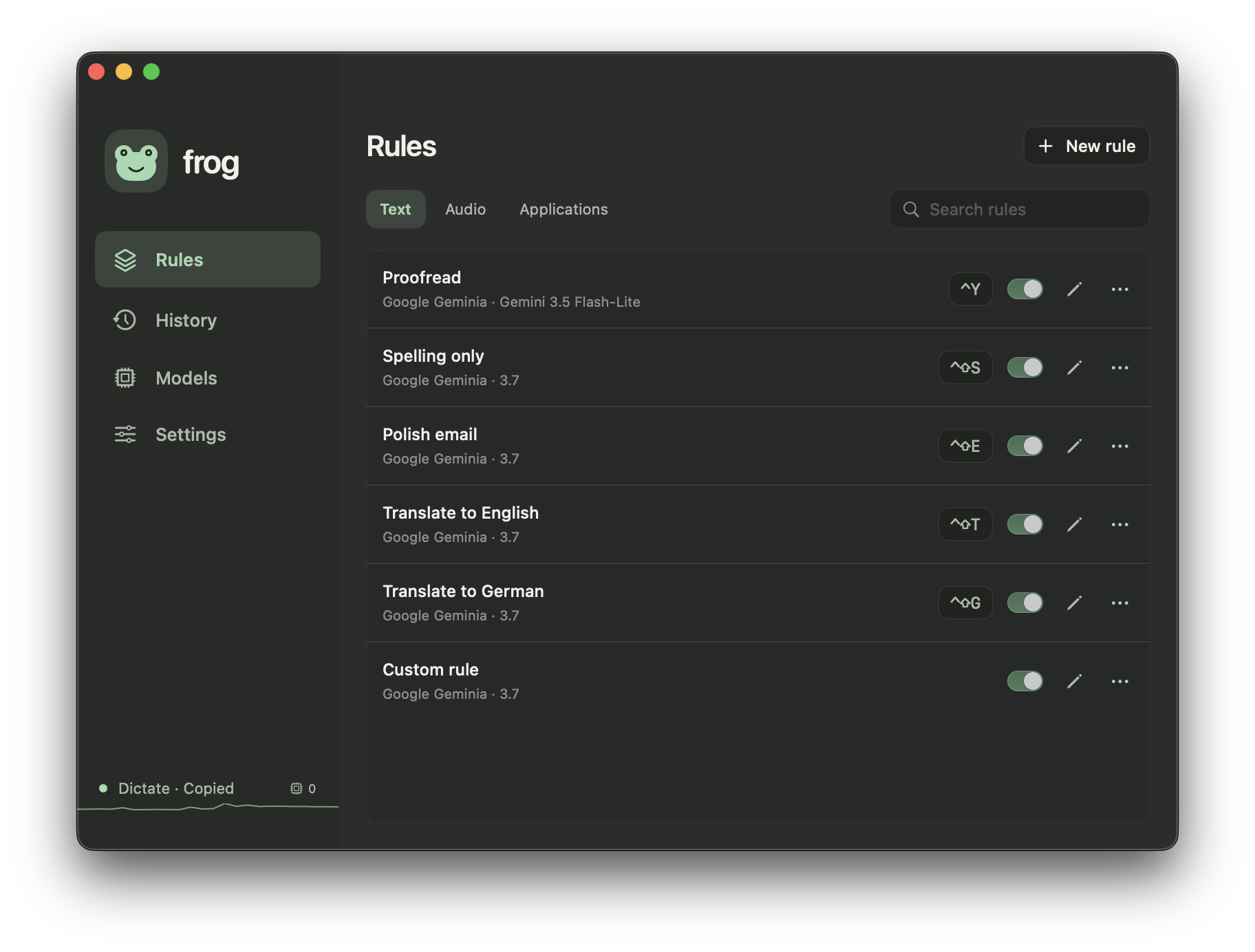
Select text, run a rule, and replace it in place. Fix spelling, polish emails, or translate with your own instructions.
Try a rule to see the result.
Local spelling demo · no AI call.
See the app
Say it. Keep going.
Hold a shortcut to speak. Frog transcribes locally, optionally cleans up your words, then copies or pastes them.
“Okay, so, um…”
Simulated audio · microphone off.
Built-in models need Apple silicon and a one-time download.
Straight to your window.
Switch individual windows with ⌘ Tab, or type to find one. Assign shortcuts to launch apps or bring them forward.
Website shortcut. The Mac app uses ⌘ Tab.
Local, if you like.
Fully offline with downloaded models or a local server. No telemetry, account, or Frog backend. External providers are optional.
Download once. Work offline.
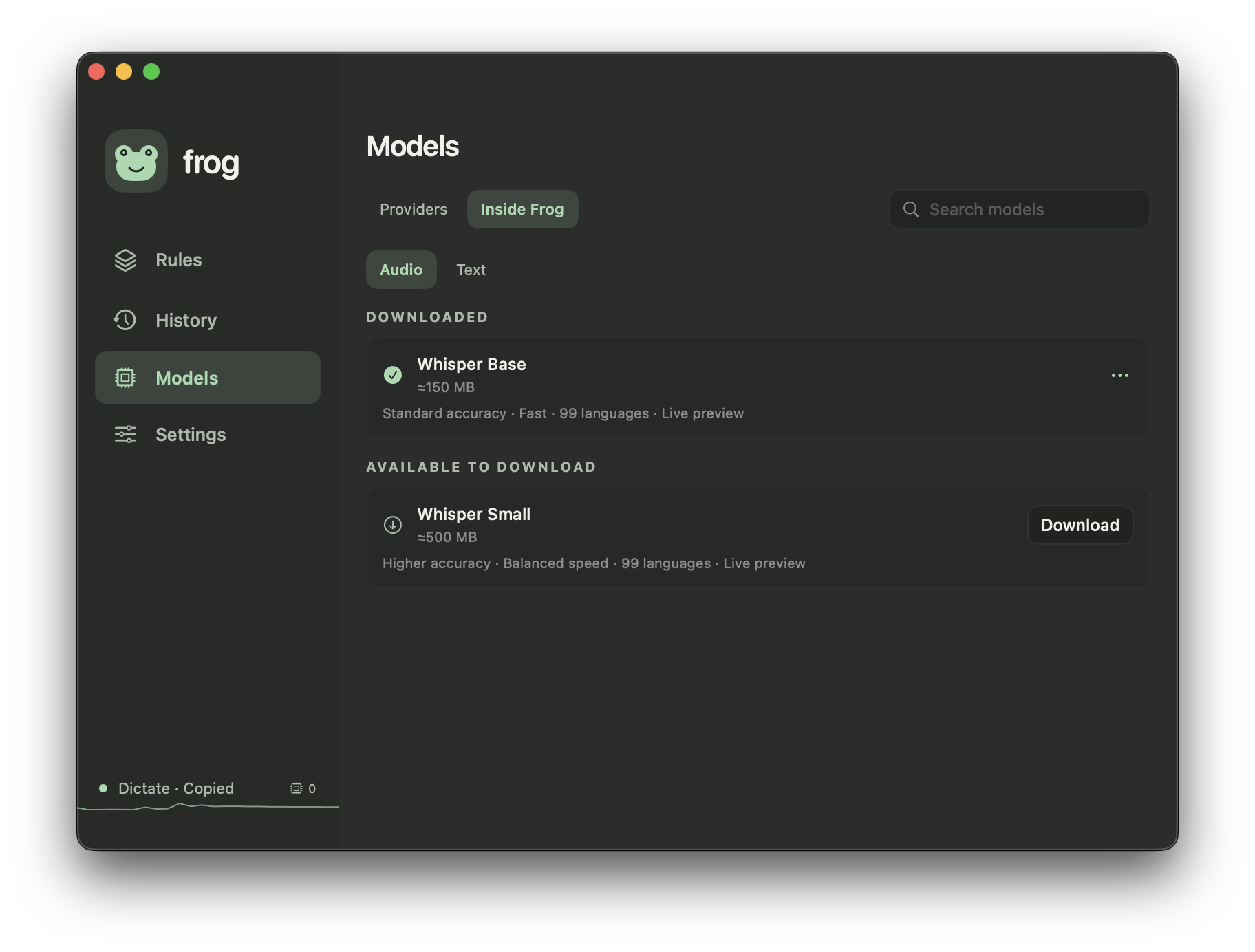
Speech and text models run on your Mac. Apple silicon required.
See the app
Keep the useful bits.
Revisit, search, and copy past results. History stays on your Mac, is off by default, and is yours to clear.
A note for the teamSpelling correction
OriginalHey team, I recieved teh notes.
After FrogHey team, I received the notes.
Sample entry.
Make yourself at home.
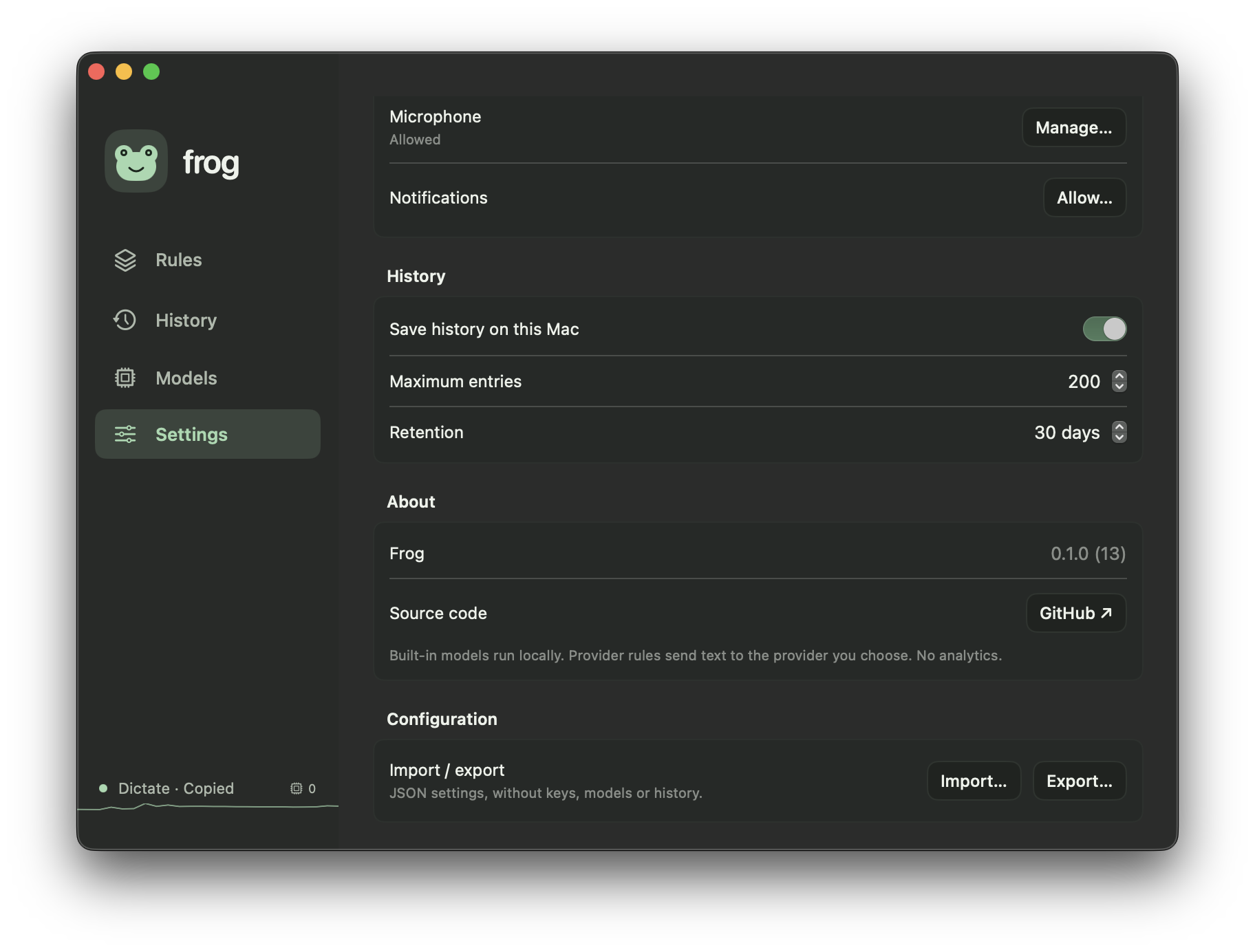
Choose your colors and shortcuts. Take your rules and preferences to another Mac with JSON import and export.
See the app